
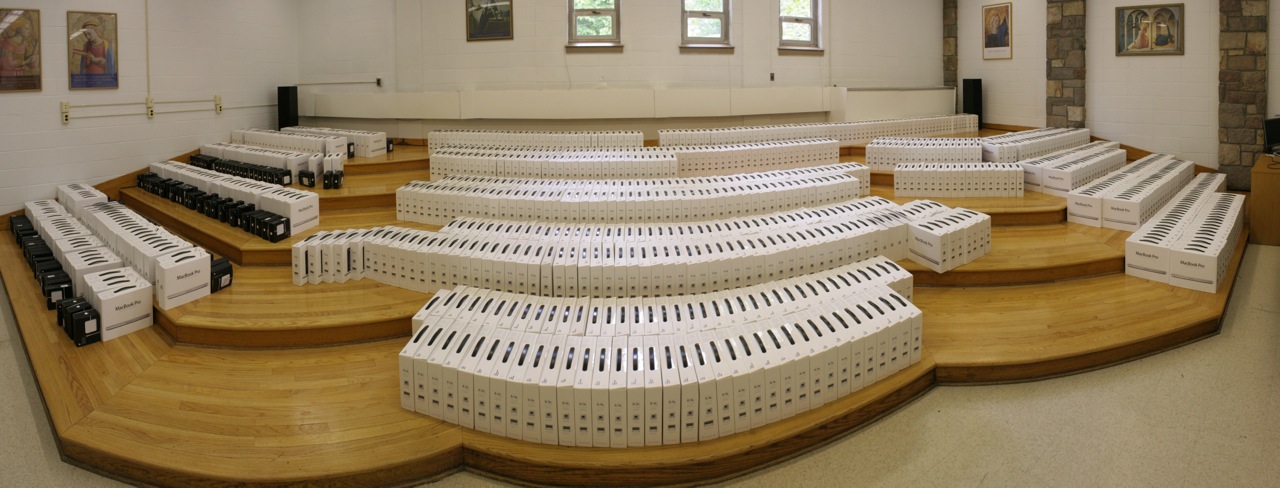
 What does a 1:1 Initiative look like and what did it take to achieve it? When you visit other school that have programs in place you often see the end result of what could have been a very long process and are left with the questions of how did they do that?
When looking at or talking with people about their program or initiatives it’s often to helpful to know where they’ve come from to understand where they are.
Our journey to our 1:1 Initiative was one that took over a decade and had us looking at our past and ongoing experience to help guide where we would end. This is but a brief look at where we’ve come since 1999.
1999/2000
A small, middle school based pilot program was undertaken where roughly two dozen students were provided with laptops. The pilot would look at the effect of a laptop on the wiring process as compared to those students not using a laptop.
The pilot last only a few months and at the end of the time it was determined that their were no significant improvements in learning to warrant the adoption of a school-wide initiative.
2000/2001
With the pilot machines available for repurposing a faculty laptop pilot was started. Faculty would apply to become part of a pilot group of faculty who would receive a laptop, agree to participate in a week-long summer technology training session, monthly training and post their homework to a “homework hotline”.
Eighteen faculty participated in the pilot group. This was the beginning on what would become “Tech Week” and ongoing professional development focused on technology tool and integration.
2002-2006
 With the success of the faculty laptop pilot the program was expanded and during this period additional faculty would apply for the program.
Much was learned during this time with regards to professional development, support structures, online tools (most importantly Moodle), infrastructure – with particular focus on wireless and standardization.
As we had new faculty enrolling in the program each year, we would need to purchase equipment each year. With the changing hardware, OS version and applications the case for standardization was being made. Equipment that was three years old often was unusable and often made professional development difficult to run as there were some many technical/version issues with the range of hardware and software in use.
During this time our use of online tools, first WebCrossings then Moodle, for use as a learning tool as well as providing an opportunity for in-house, online professional development brought the school an NAIS Leading Edge award.
2006/2007
If there was any year that set the path for the 1:1 Initiative it was this year. With a new Strategic Planning process underway a sub-committee was formed for technology. The committee worked throughout the year to develop the following goals (relating to a 1:1 Initiative):
- As a component of MKA’s technology systems analysis, determine to what extend the system needs should be addressed both short and long-term.
- Provide each faculty member with a 1:1 computing device for work in school and at home.
- Provide technologies that will further teachers’ support of student engagement and investment in learning.
- Consider providing each student with (or requiring each student to obtain) a 1:1 computing device for use in problem-solving and completing assignments/assessments in a way that promotes both meaningful collaboration and “independent and autonomous learning.”
It was also during this period that numerous school we visited other 1:1 programs to gain better insight into the ways in which they were using and implementing 1:1 devices. The schools visited and talk to during this period were:
- Pike and Park School – conversations while attending the “Teaching with New and Emerging Technology” conference at Nobles and Greenough
- Rocky Hill School
- Newton Country Day
- Buckingham, Browne & Nichols – they did not have a 1:1 program, however they were a similar school in size and composition and was able to provide perspective on their thinking on the topic and direction.
- Packer Collegiate Institute
Each school provide us with valuable insights and information that would help us guide our program and any of the decisions we would make. I want to thank them once again for giving us the time!
Also, it was during this time that we began what would become our annual pilgrimage to the Lausanne Laptop Institute each summer. It is here we would be able to meet with and hear from other school “doing” a 1:1 and those, like us, thinking about a program. Over the years we would send 24 people (some attending multiple years) to the institute. They would include faculty, administrators, Board members and technology staff.
2007/2008
During this year, starting during our November in-service we would begin a full-school faculty 1:1 Initiative. Each faculty member would be given the same equipment and software (MacBooks). Our professional development efforts would be shaped around the idea of teaching within a 1:1 environment, not on how to integrate technology, rather how teaching will change and evolve when there is ubiquitous access to technology and the Internet.
2008/2009
Much like the year before our efforts would be focused on professional development, but during this year would add a Student Leadership group to the mix. Much like the Faculty group started in 2000/2001, students would apply to become part of a group that would help shape the direction of the programs.
Students in both Middle and Upper School, spanning grade 4-12 would be encouraged to apply. Upon acceptance into the program they would serve a testers for hardware and software. They would help evaluate the device themselves along with cases, support policies and procedures and most importantly they would act as ambassadors of the program to their peers and the school as a whole. The students would also participate in faculty development offerings acting as technical resources but also as teachers. Much of what they would also do is help develop training resources – Drives Manual – that would be use as part of our “Drives Test” which after successfully completing each student would be able to an administrator of their own machine.
Also during this year and as recommended by the Strategic Planning committee a full network infrastructure review was undertaken to evaluate whether existing system would support a full school deployment of a 1:1 initiative.
2009/2010
In the summer leading up to this year a full network upgrade was completed. New wireless (Ruckus) and wired (Cisco) infrastructure was installed as well as other networking and management systems (Infoblox, JAMF Casper, etc.). We wanted to make sure that we had a year lead on implementing a new infrastructure so that we could work out all of the bugs in the system prior to our full-school deployment.
We were able to successfully test the network as we had an ad-hoc BYOD program in place at the time. We were allowing students to bring in their own device (though not requiring it) and in some grade we had upwards of 90% of the student body bring in their own device. It was this process too that helped us make our case for a standardized deployment.
With the help of our Student Leaders we continued with our professional development offerings and also began a series of information sessions with our community where we had a panel of teachers, administrators, technology support personnel and students answering questions about what the program would look like in action. While we had been communicating with our constituencies about the Initiative throughout the process these informational sessions provide the best look into what we would be doing.
Many of the decisions made about direction and program were made by our Implementation Committee which was formed shortly after the Strategic Planning process had ended and the recommendations made. The committee consistent of various members of the school administration including the CFO, Directors of Technology & Educational Technology, Director of Communications, Assistant Heads of Campus, Deans of Students and Student Life, just to name a few of the members. It was this committee and it’s leadership that helped make sure that the implementation and deployment would go as smoothly as it did.
2010/2011
FULL SCHOOL DEPLOYMENT. During the first two days of school we deployed over 820 Macbook Pro computers to students in grades 4-12 and by the first full day of school for each campus students and teacher were using the laptops in their classes.
This was no small feat, but with the work that had gone on leading up to this day it was a validation of all of the hard work everyone put into the Initiative.
We would spend the first year talking and fine tuning the program and learning from the decisions we had made and what we would do as we went on. The Implementation Committee would continue to meet, though less frequently, as we had discovered we were always implementing something new or some change.
2011/2012
As we are now in the second year of the program we are starting to look to the future. We have leased the equipment for three years and while it seems early we are already thinking about our next device.
Before that decision however, we undertook two major upgrades during the year.
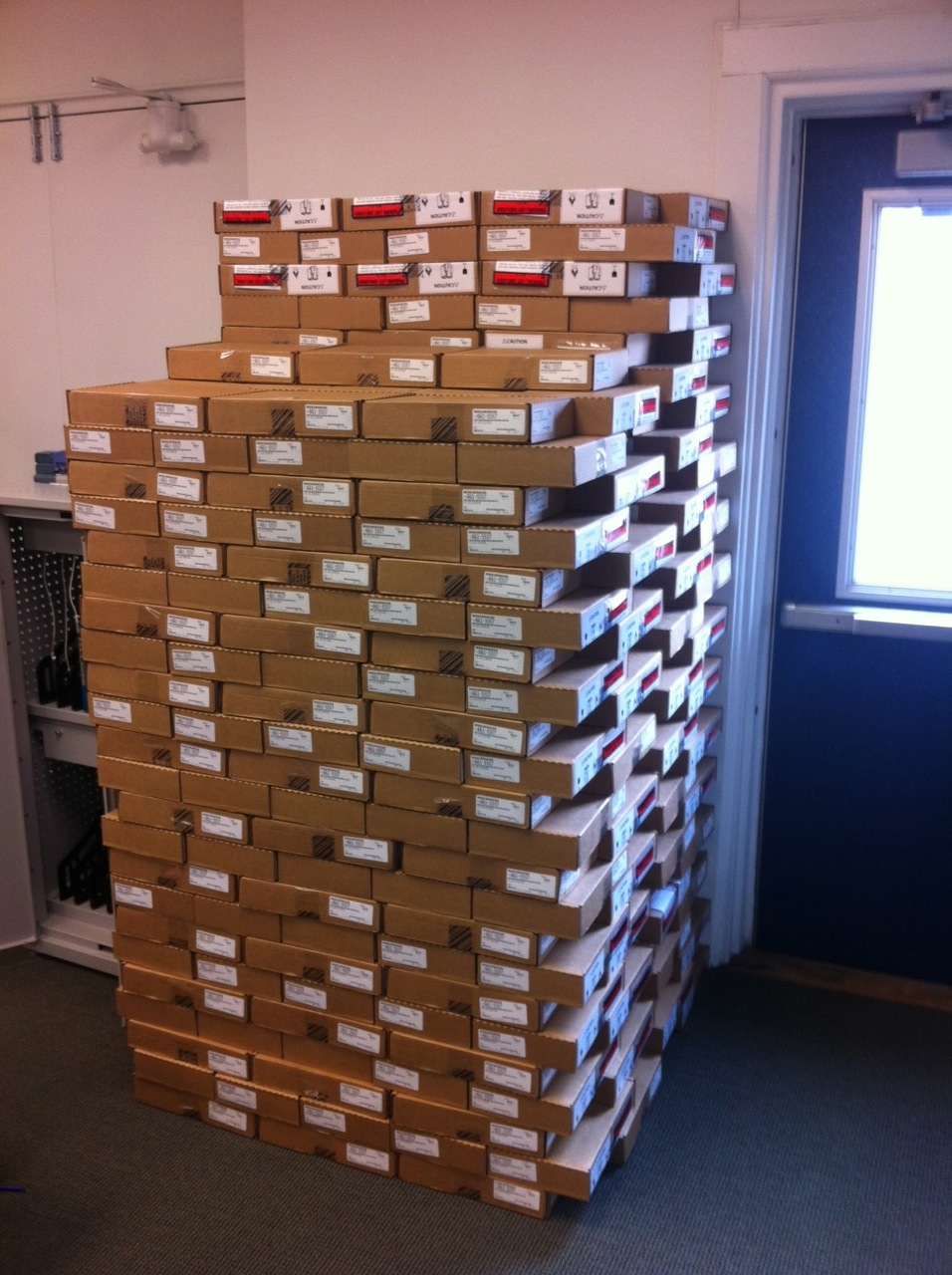 While doing our infrastructure upgrades in 2009/2010 we did nothing to address the need for power. We would as part of the program require that students bring their laptops fully charged each day and while we made this a requirement we did provide charging stations throughout the school for student to use to “top-up” their batteries. There was another issue and that was of the battery’s life. As we are all aware a battery does last as long as it does when it is new. So, midway through the year we would replace all of the batteries in each laptop. This would be an all day process and would be the only time we would take the machine from them for an extended period over the three years they would be in possession of the device.
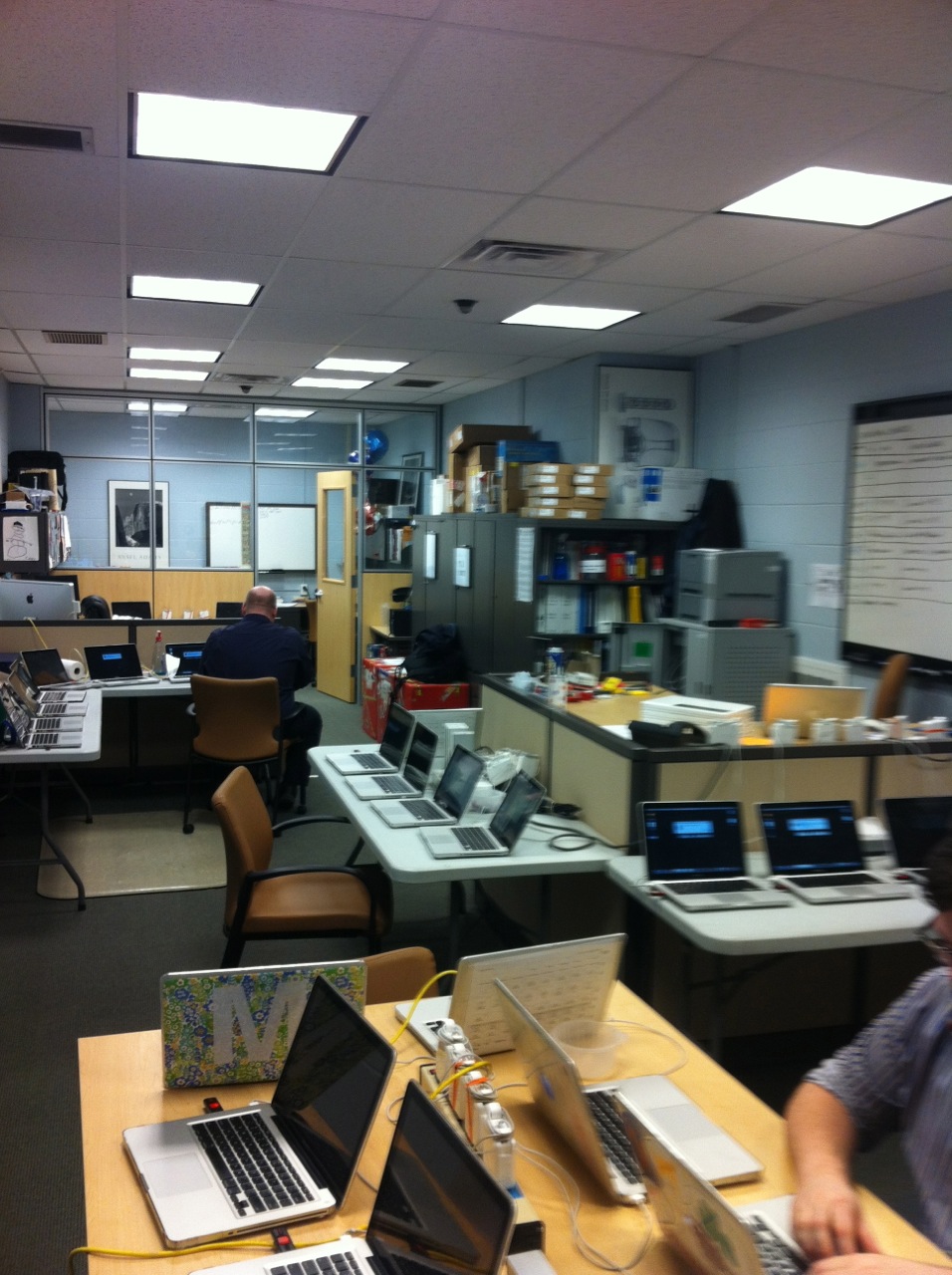 The second upgrade was to the operating system, which would prove to be the more difficult of the two. As there were certain technical limitation we were not able to push the update out, rather we would again have to collect the laptops (this time providing a loaner for the day) and do the upgrades manually.
These two upgrades took almost two months to complete and again thanks to a great deal of planning and testing (by the Student Leaders) was accomplished with only a few issues.
Into the future…
Our program will continue to grow and evolve over the years. We are pay much more attention to our primary school and the 1:1 opportunities present to them there. We are using laptop iPod Touches and iPads at this level and continue to evaluate our next steps.
We are in the process of giving back. We just had a site visit with forty people from sixteen different schools over four states visit the school (hosting numerous school 2010/2011 school year) and will be the spotlight school for the 2012 Laptop Institute.
This post doesn’t even begin to cover the detail that went into each of the points mentioned and I will do my best to address in future post, but if you have any questions or comments please leave them here and I will do my best to answer them or use them as topics for future posts.



Pingback: Today’s Links 08/10/2012 « Explore the Possibilities
Good management of the equipment used in a 1:1 learning initiative is
the key to it’s success. Having a great management tool like Support Desk that can handle
all aspects of the program can ensure that success.
http://goo.gl/M9fvwx